
Every screen.
One dashboard.
Book DFM's transparent-LED network the way you'd book any other ad platform — browse live inventory, launch a campaign in four steps, and watch impressions come in in real time.
From sign-up to live in four steps.
The New Campaign builder walks you through the same flow every time — no guesswork about what to fill in next.
Creative
Upload your ad assets. Each one runs through QC automatically before it can go live.
Screens & Schedule
Pick screens by location, set your loop slots, and see conflicts flagged before you commit.
Budget
Choose monthly, slot-based, daypart, or screen-based pricing — mix and match per campaign.
Review
A live-updating price and impressions summary follows you through the whole wizard.
Everything you need, nothing you don't.
One login, one place to plan, launch, and measure every campaign across the network.
Dashboard
Impressions, plays, share-of-voice, and spend — plus a trend chart and impressions by location.
Analytics
Completion rate, plays by hour of day, and an audience breakdown of residents, commuters, and visitors.
My Campaigns
Every campaign filtered by status — Live, Scheduled, In review, Ended — with pacing at a glance.
Campaign Builder
A 4-step wizard from creative to review, with a live price and impressions summary the whole way.
Creative Library
All your uploaded assets in one place, with QC status and which campaigns are using them.
Billing & Plan
Current plan, monthly spend, and your full invoice history — no surprises at renewal.
Every public screen, verified by Geopath.
Browse open inventory by location before you ever create an account. Impression figures shown here are pulled directly from Geopath, wherever a screen is registered.
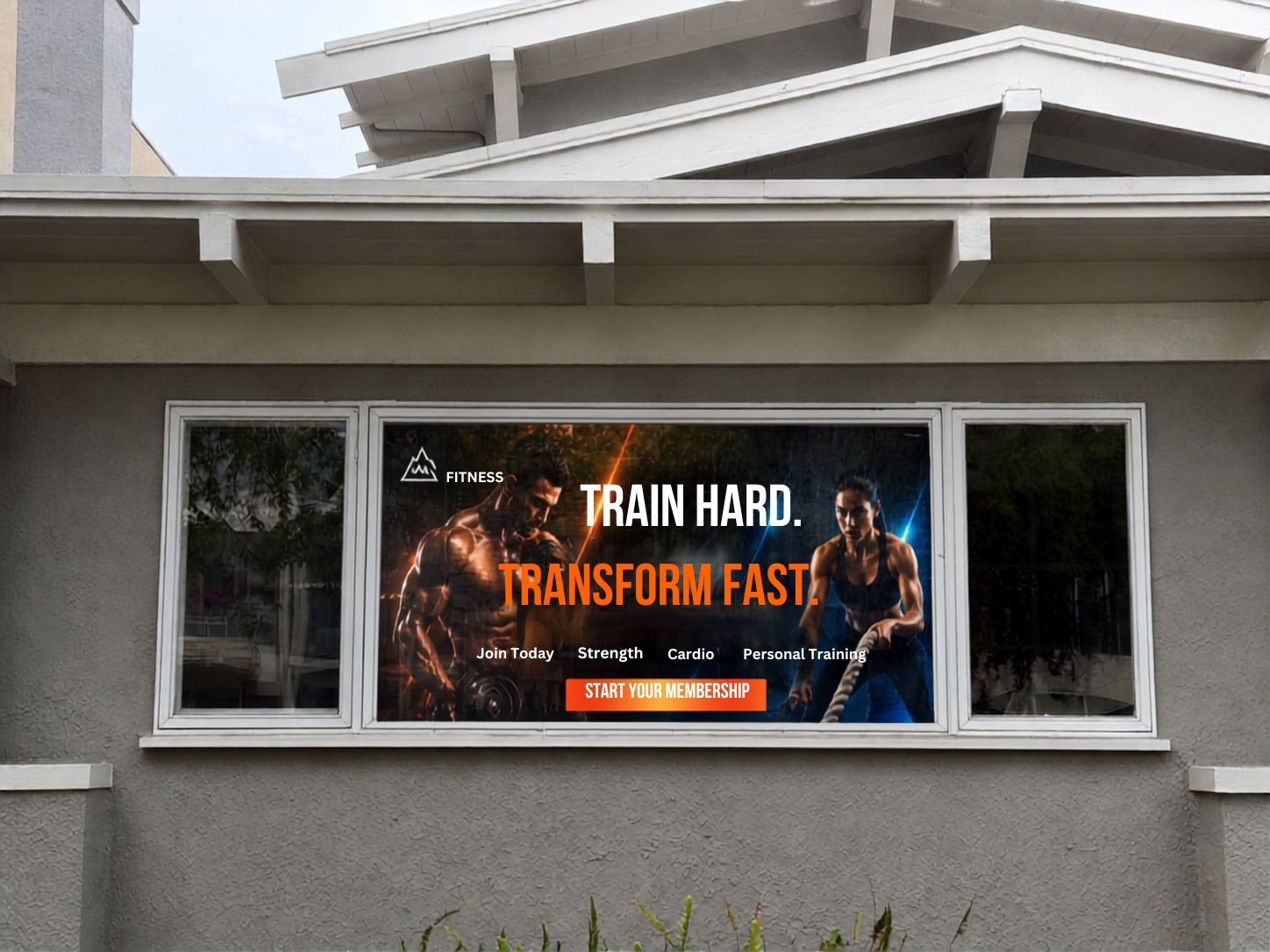 Geopath verified
LED Film
Geopath verified
LED Film
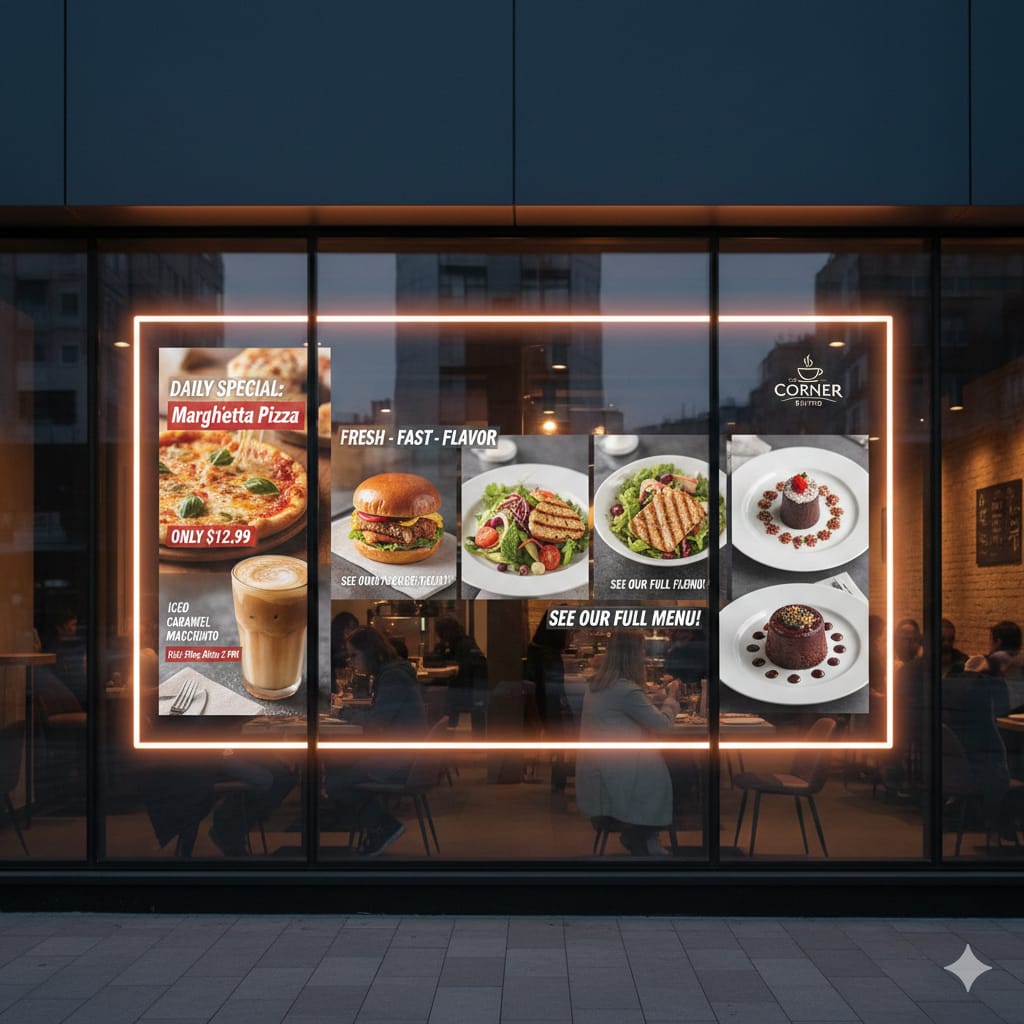 Geopath verified
LED Glass
Geopath verified
LED Glass
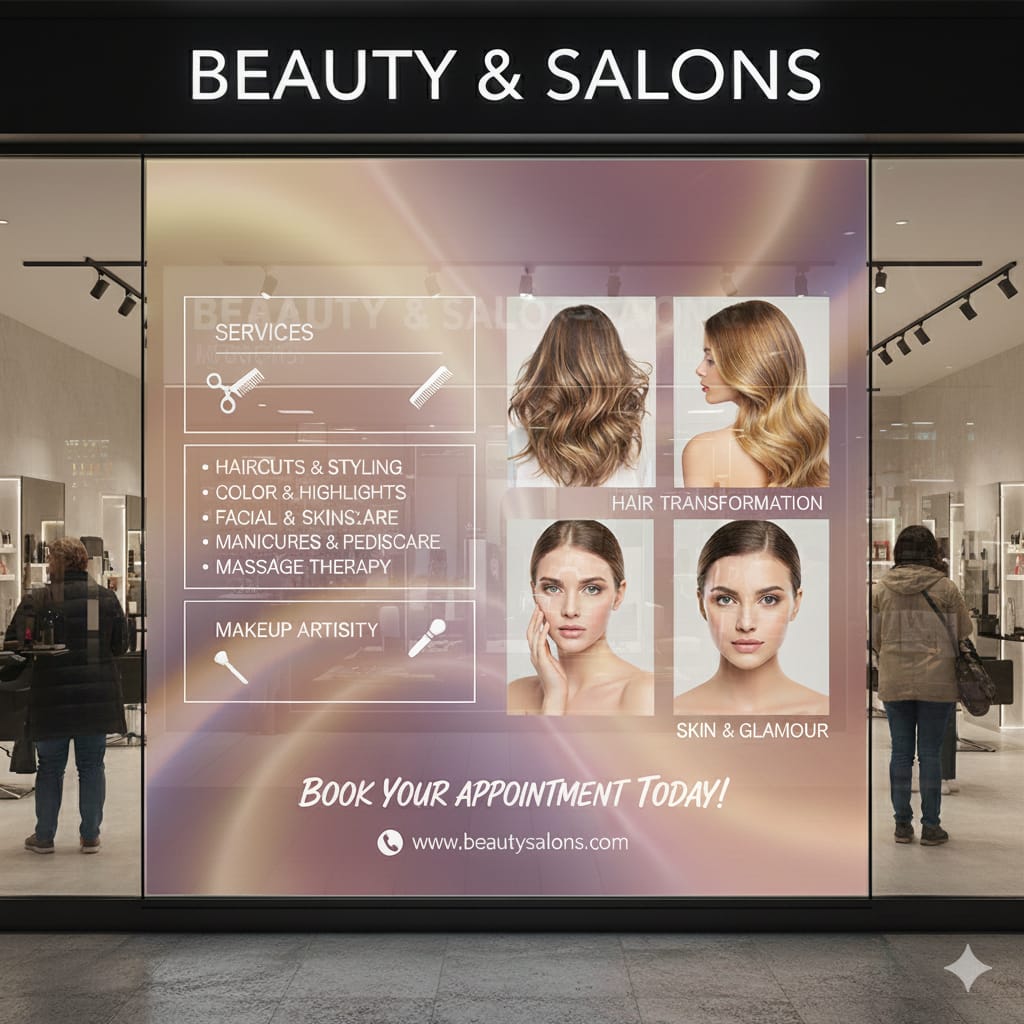 Geopath verified
LED Film
Geopath verified
LED Film
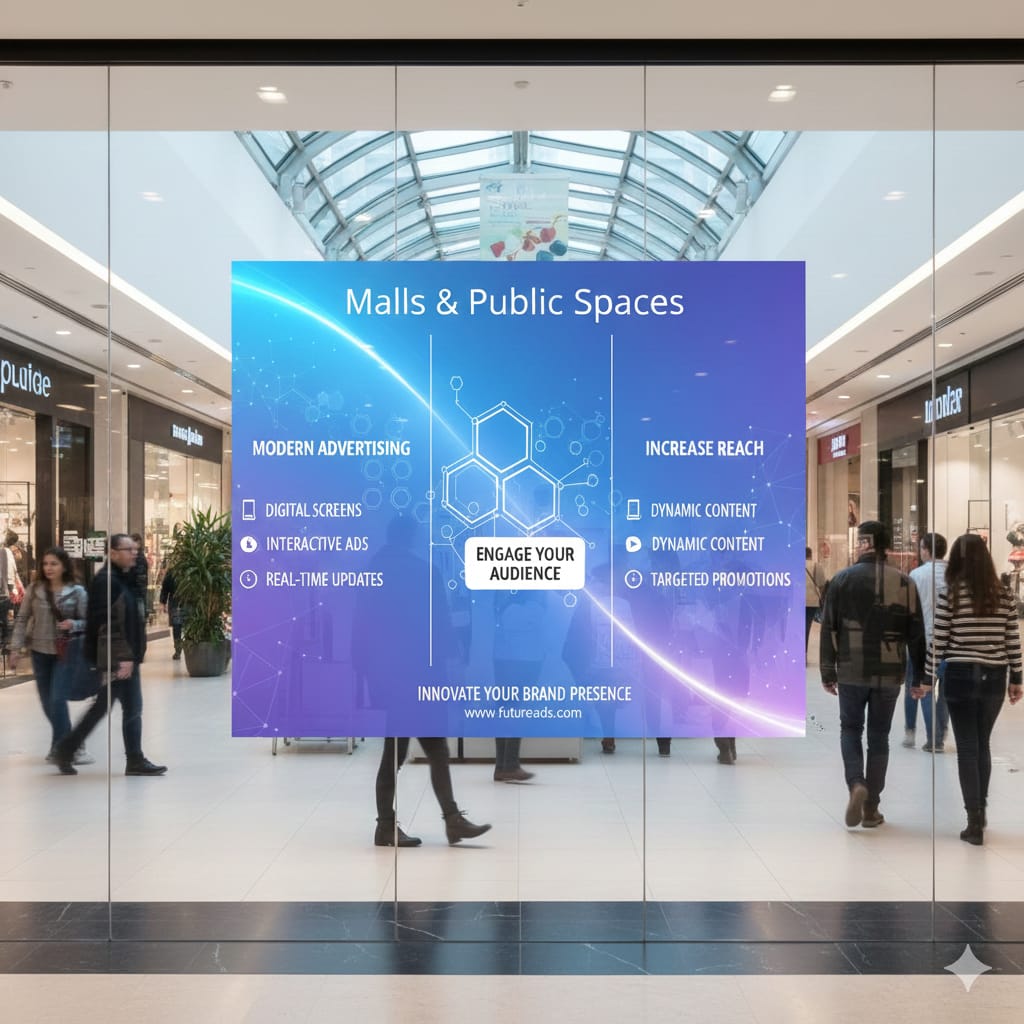 Geopath verified
LED Glass
Geopath verified
LED Glass
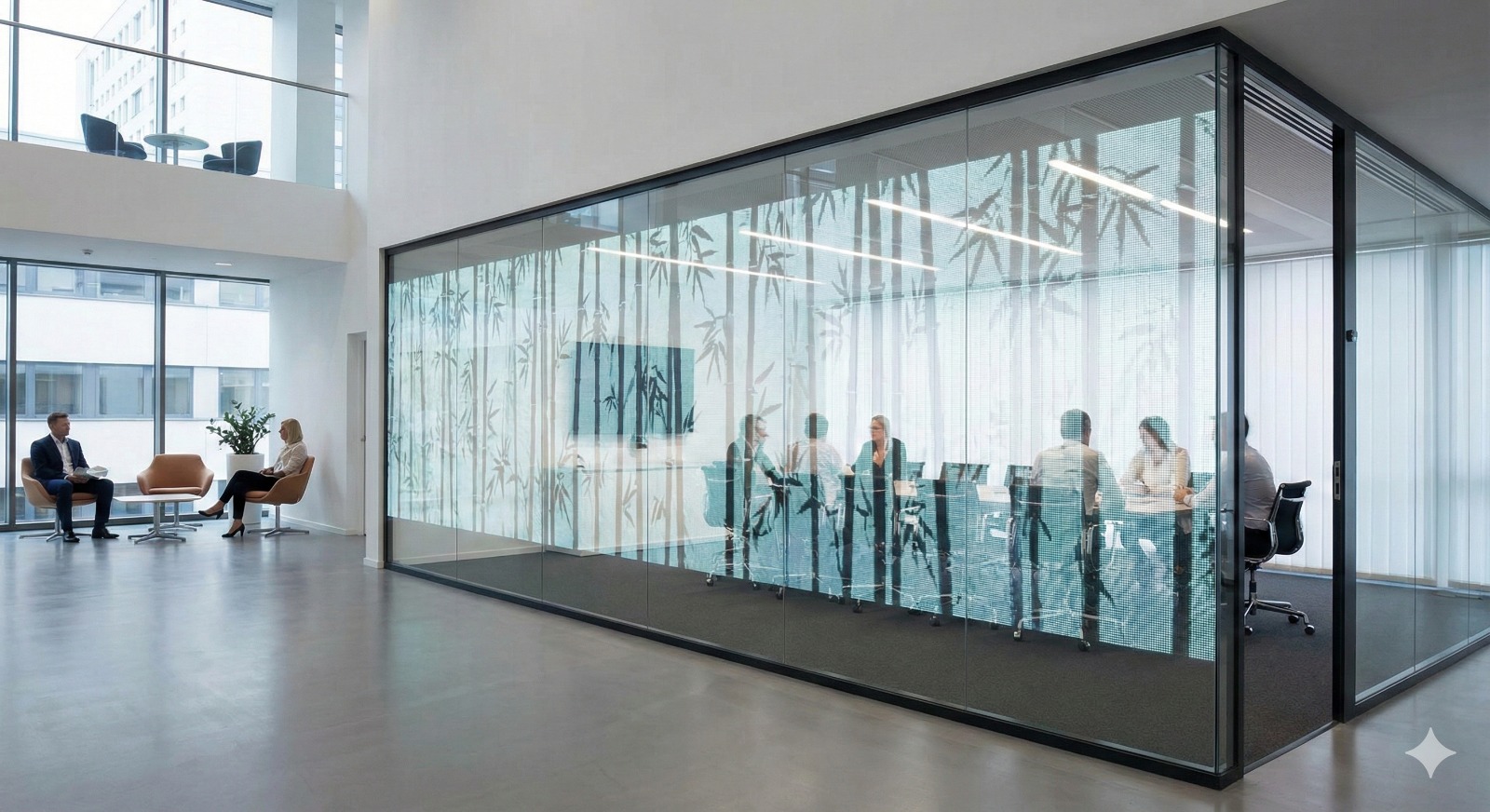 Geopath verified
LED Film
Geopath verified
LED Film
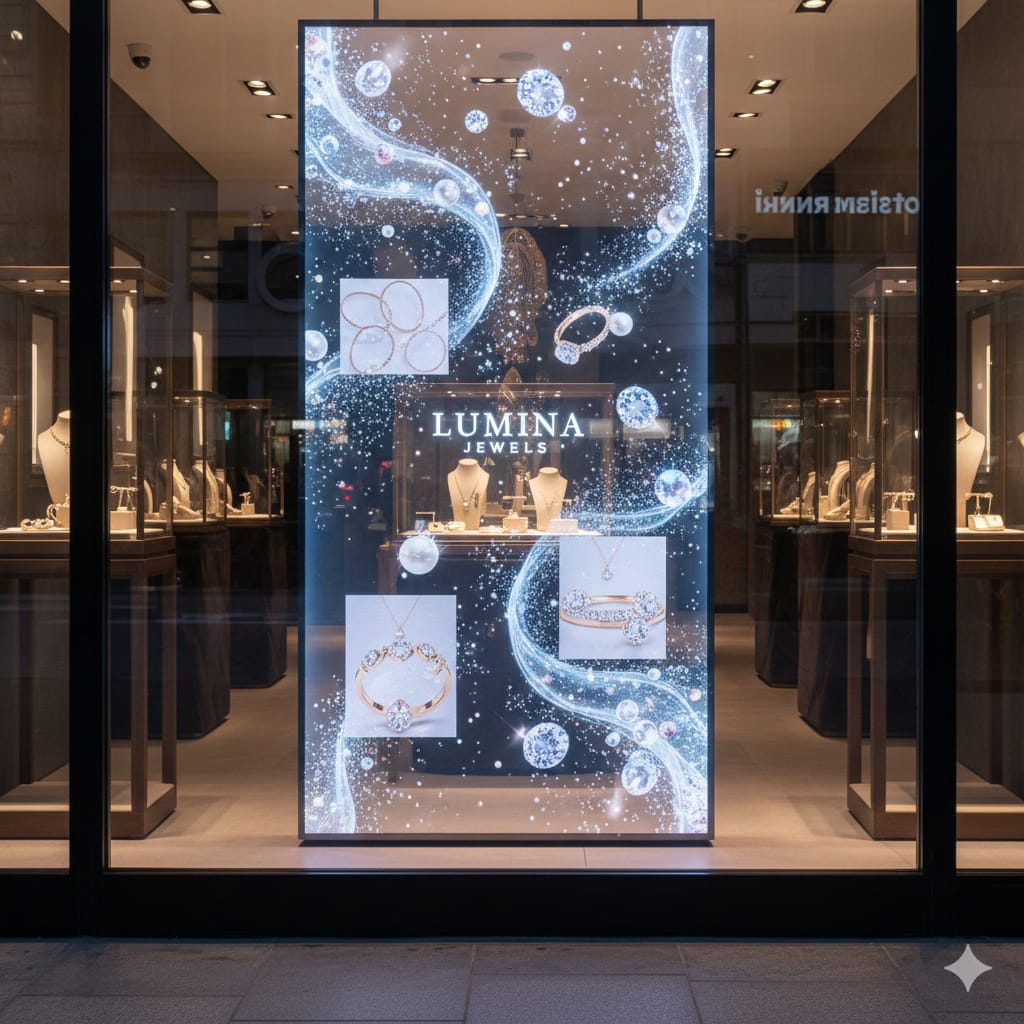 Geopath verified
Hanging Film
Geopath verified
Hanging Film
Pricing is a formula, not a flat rate.
The same ad, same duration, can carry two different prices on two different screens — driven by location and the time slot booked.
Know who's walking by before you spend a dollar.
Every screen's audience is broken down the same way, so you can pick locations that actually match who you're trying to reach.
Audience breakdown
Plays by hour of day
Every ad is checked before it airs.
Safe-zone check
Confirms your creative won't get cropped or obscured by mullions and window framing.
Contrast check
Flags content that won't read clearly against daylight or your screen's brightness setting.
Distance simulation
Previews how legible your ad is from sidewalk distance, not just up close.
Everything else you'd expect from an ad platform.
Screen availability calendar
See open vs. booked slots per screen at a glance, instead of reading a flat table row by row.
Multi-screen bulk actions
Apply a campaign, price, or status change across a whole group of screens at once.
Bundle & package deals
Pre-set multi-screen packages advertisers can select directly, no manual assembly.
Contract terms + auto-renewal
3/6/12-month commitments with discounts, and a toggle for whether they roll over.
Campaign templates & duplication
Clone a past campaign's creative, screens, and budget to relaunch it with new dates.
Maintenance scheduling
Planned downtime shows on the calendar as scheduled — not as an unexplained outage.
Competitor exclusion rule
Request your ad never runs adjacent to a named competitor in the same loop.
Create your advertiser account.
Self-serve sign-up takes a few minutes. Prefer to talk it through first? We can set up your account for you.
Sign up yourself, or have our team do it.
Self-serve accounts are live the moment you finish the form. If you'd rather talk to someone first — about budget, screens, or anything else — we're glad to set the account up with you on the call.
510-878-8771 · info@digitalfilmmarketing.com
We can create your advertiser account for you over the phone.
Account request received.
Our team will follow up within one business day to finish setting up your account.